Account Creation & Access

Lonestar Registration, Login, and Verification Overview

Lonestar welcomes players across the United States to a platform built on two currencies: Gold Coins and Sweeps Coins, used across slots, table games, and sports prize draws. Registration opens access to both currencies, with account creation complete in under two minutes. Login secures each session before you spin a slot or enter a draw. Verification confirms your identity, protects your account, and clears your path to Sweeps Coins redemption. The process stays consistent across the website and the mobile app, backed by a support team ready to assist. New accounts claim 500,000 Gold Coins, 105 Sweeps Coins, and 1000 VIP points on signup.

Lonestar Registration, Login, and Verification Overview

Lonestar Sign Up: Create Your Account

Register online at Lonestar in less than two minutes with the steps below. Each step keeps your personal details secure and your account ready for play.

1

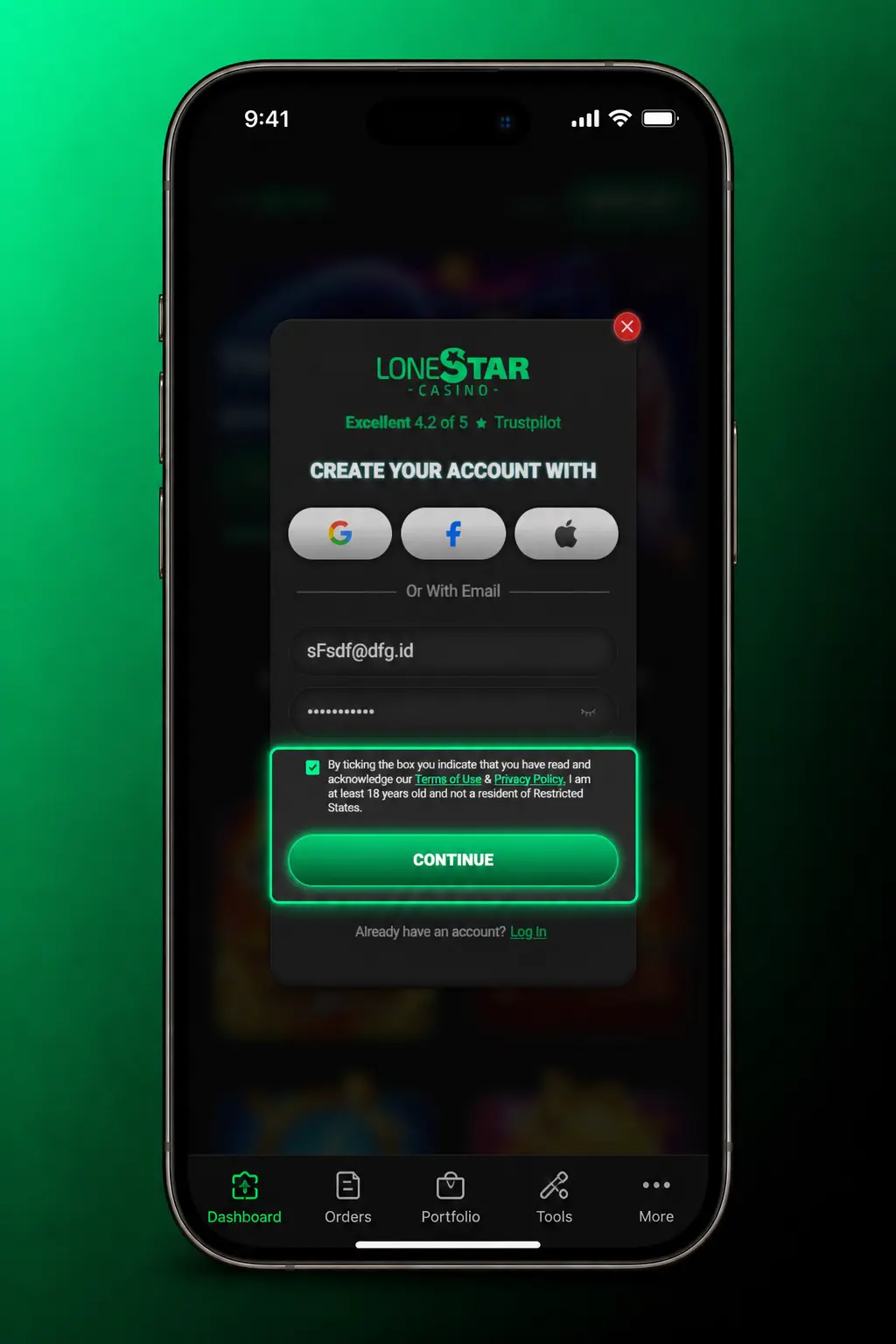
1. Click the Sign Up button

Select the Sign Up button on this page to open the registration form.
Lonestar Sign Up: Create Your Account
2

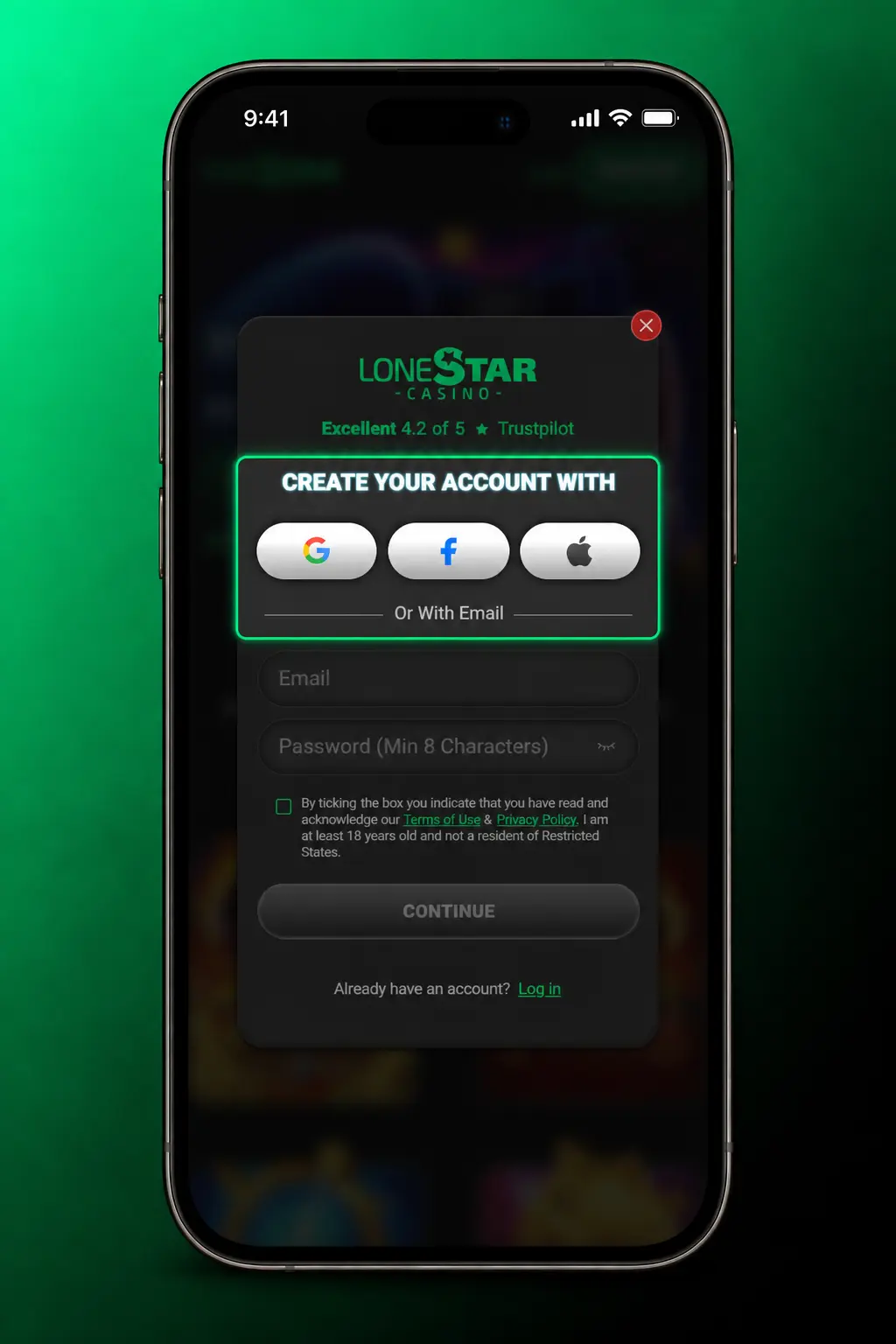
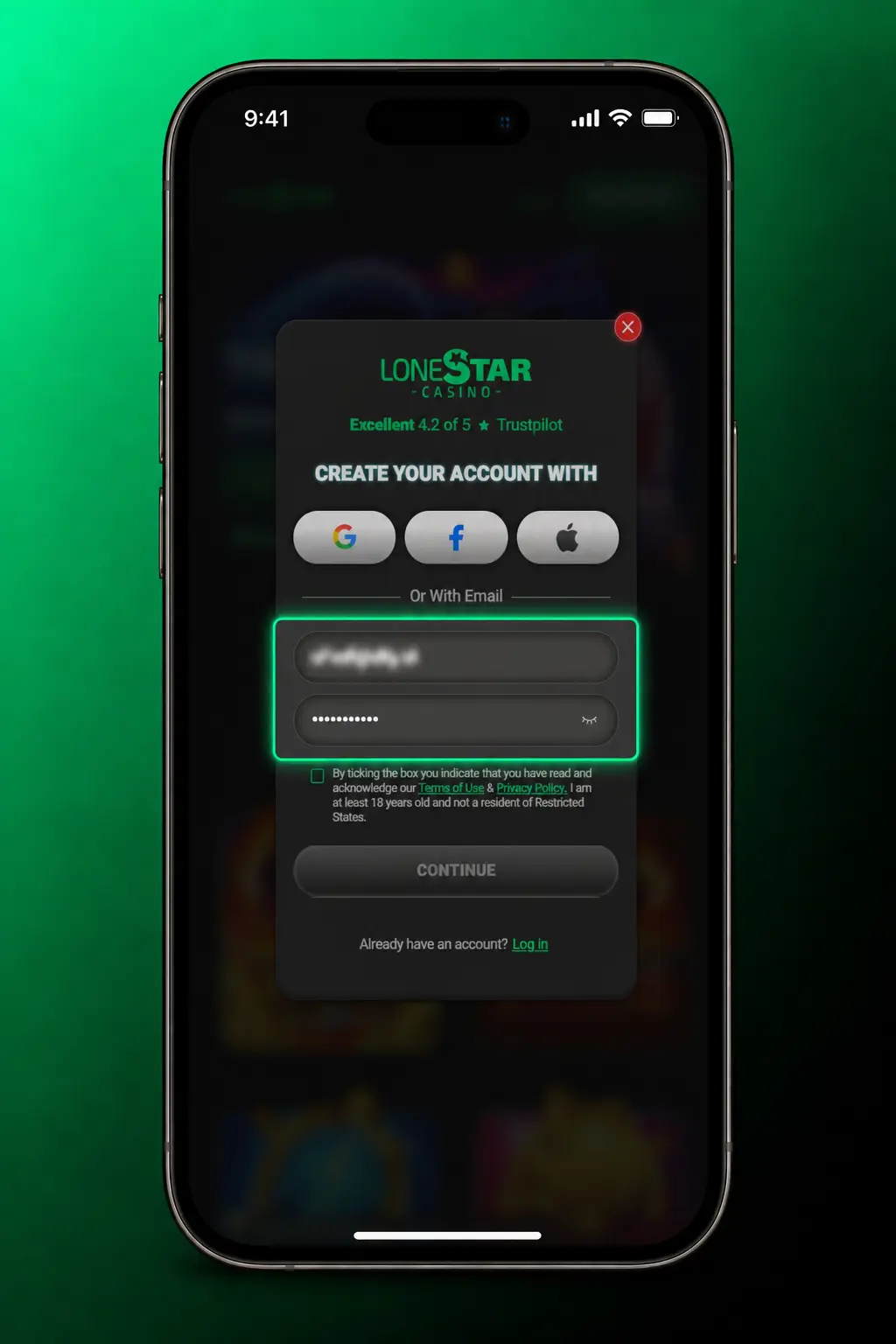
2. Enter your details

Provide your full name, email address, date of birth, and a secure password.
Lonestar Sign Up: Create Your Account
3

3. Confirm your state

Choose your state of residence from the dropdown menu to confirm eligibility.
Lonestar Sign Up: Create Your Account
4

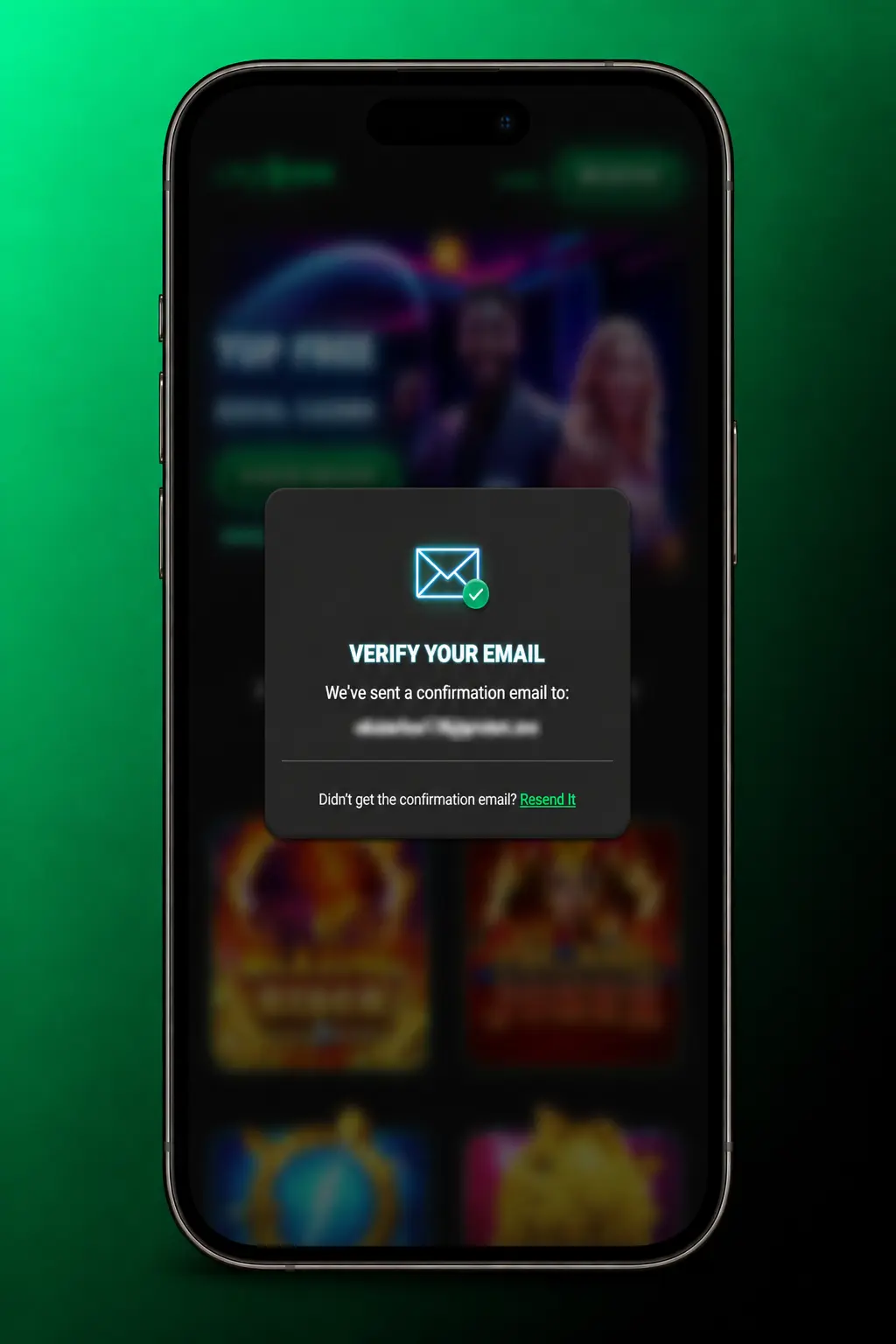
4. Verify your email

Open the confirmation email from Lonestar and click the activation link.
Lonestar Sign Up: Create Your Account
5

5. Claim your bonus

Log in and receive 500,000 Gold Coins, 105 Sweeps Coins, and 1000 VIP points instantly.
Lonestar Sign Up: Create Your Account

Lonestar Registration Through the Mobile App

Lonestar's mobile app follows the same registration flow as the website, with one added option: direct account creation through Google or Apple. Download the app first, then follow the steps below.
  1. 1. Open the app and tap Sign Up: Launch Lonestar and tap the Sign Up button on the home screen.
  2. 2. Choose your registration method: Enter your email and password, or tap Continue with Google or Continue with Apple for one tap registration.
  3. 3. Enter your personal details: Provide your full name, date of birth, and state of residence.
  4. 4. Confirm your account: Verify through the link sent to your inbox, or confirm instantly through Google or Apple.
  5. 5. Log in and claim your bonus: Access your new account and receive 500,000 Gold Coins, 105 Sweeps Coins, and 1000 VIP points.
Lonestar Registration Requirements

Lonestar Registration Requirements

Lonestar operates under United States sweepstakes law, a model distinct from traditional gambling. A few rules apply before you create an account. These rules keep the platform compliant across state lines. Review the list below before you register.

  1. 1. Minimum age: You must be at least 18 years old to register, or the minimum age set by your state of residence.
  2. 2. One account per person: Lonestar permits a single account per player, confirmed through identity documents.
  3. 3. Eligible states: Residents of Washington State and Idaho cannot register, due to state sweepstakes restrictions.
  4. 4. Accurate information: Your name, date of birth, and address must match your official identification document submitted during verification.
  5. 5. US residency: Registration requires a US mailing address and a Social Security number for tax reporting on redemptions.

Lonestar Account Verification Explained

Lonestar requires account verification before any Sweeps Coins redemption. The process confirms your identity, blocks duplicate accounts, and satisfies US anti-fraud rules. Most users complete verification within 24 hours of submission.
  1. 1. Email confirmation: Click the activation link sent to your inbox after registration.
  2. 2. Identity check: Upload a government issued photo ID, such as a driver's license or passport.
  3. 3. Address confirmation: Submit a utility bill or bank statement dated within the last 90 days.
  4. 4. Tax information: Provide your Social Security number for IRS reporting on redemptions over 600 USD.
  5. 5. Review and approval: Lonestar's compliance team reviews your documents and confirms your verified status by email.
Lonestar Account Verification Explained
Lonestar Login and Account Access

Lonestar Login and Account Access

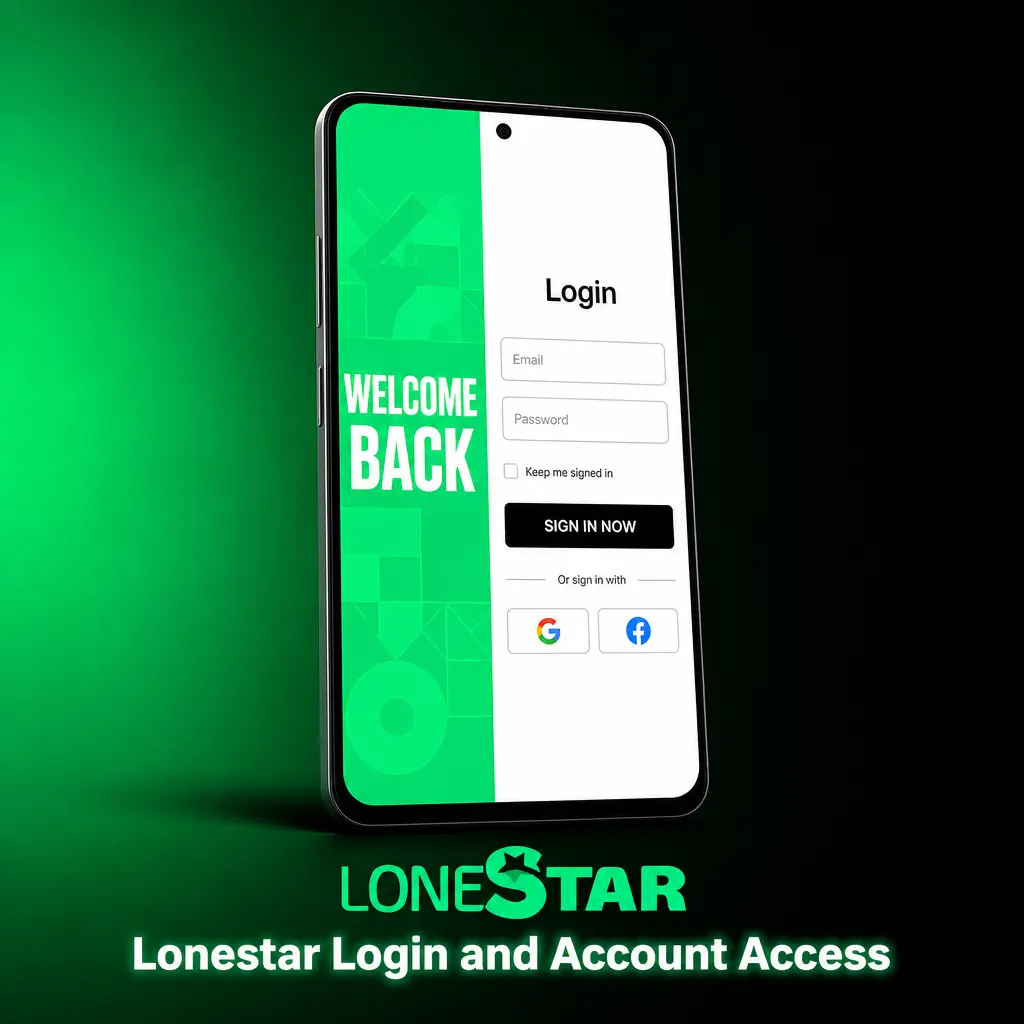
Account login at Lonestar, also called signing in, takes a few seconds on the website or the app. Follow these steps based on how you registered.

  1. 1. Click the Login button: Select Login at the top of this page or inside the app menu.
  2. 2. Enter your credentials: Type your registered email and password, or continue through Google or Apple if you used that option at registration.
  3. 3. Confirm your identity: Complete two factor verification if enabled on your account.
  4. 4. Access your account: Reach your dashboard, balances, and active games.

Lonestar Welcome Bonus After Registration

Your Lonestar welcome bonus arrives in three parts the moment you verify your email. Gold Coins power social slot and table play, with no cash value attached. Sweeps Coins count toward cash prize redemption once your account passes verification.

Bonus ComponentAmountDeposit RequiredRedemption Note
Gold Coins500,000NonePlay only, no cash value
Sweeps Coins105NoneRedeemable 1:1 after verification
VIP Points1,000NoneApplied toward loyalty tier progress
Lonestar Welcome Bonus After Registration

How to Claim the Lonestar Welcome Bonus

Your Lonestar welcome bonus arrives with one extra step after registration. Follow this short path to add it to your balance.

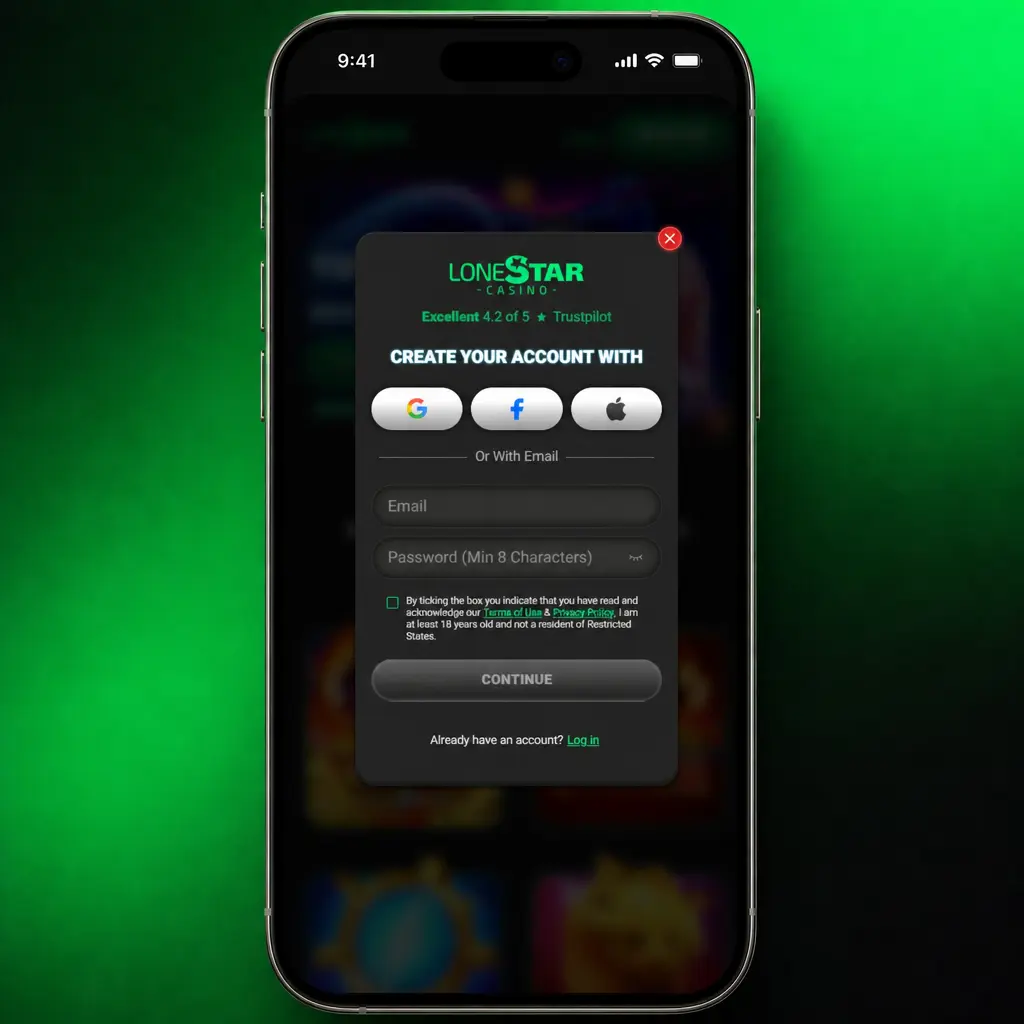
1

1. Create your account

Click the button below and complete the registration form with your details.
How to Claim the Lonestar Welcome Bonus
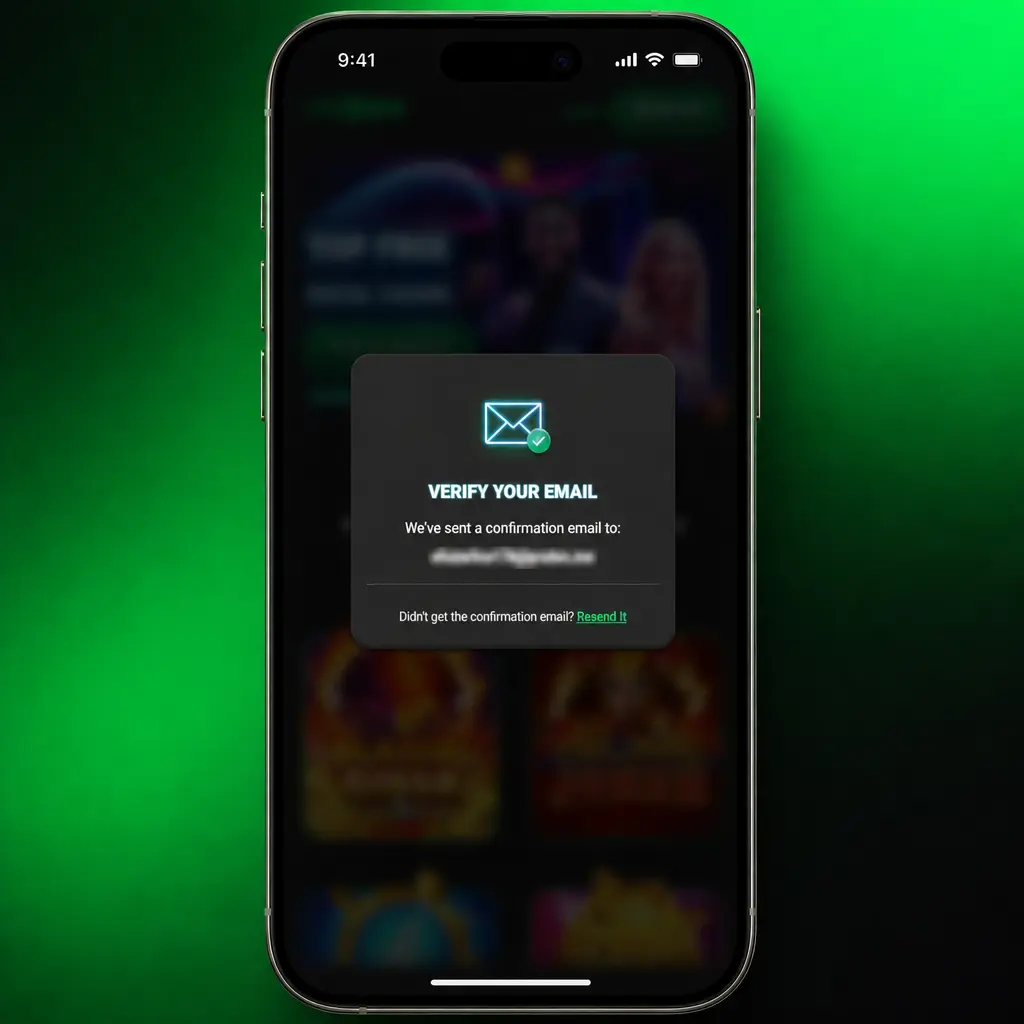
2

2. Verify your email

Open the confirmation link sent to your inbox within minutes of registering.
How to Claim the Lonestar Welcome Bonus
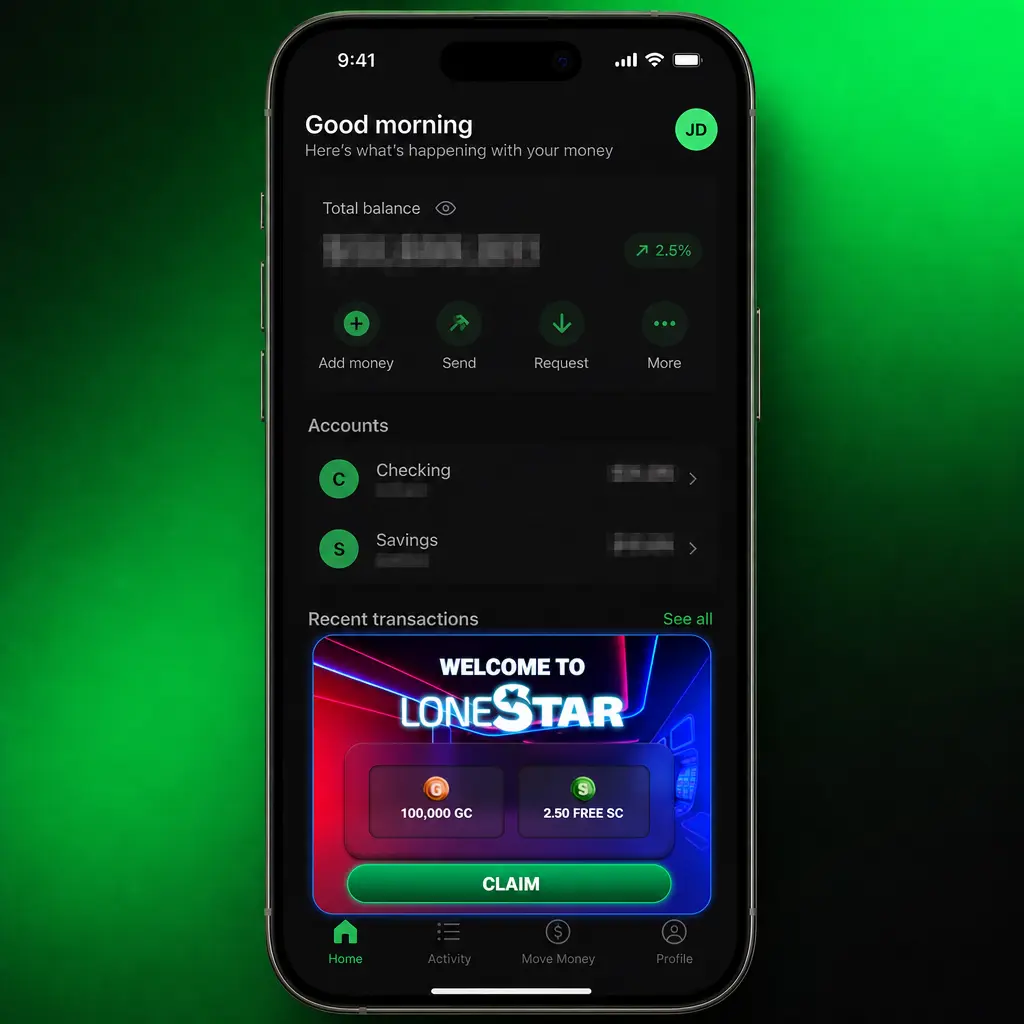
3

3. Log in to your dashboard

Access your account to find the bonus already credited to your balance.
How to Claim the Lonestar Welcome Bonus
4

4. Start playing

Use your 500,000 Gold Coins and 105 Sweeps Coins across Lonestar's slots and table games.
Common Lonestar Registration Issues

Common Lonestar Registration Issues

Most registration issues at Lonestar resolve within minutes through account tools or support. Check the list below before you contact the support team.

  • Email already registered: Use the password recovery tool to regain access to your existing account;
  • Verification document rejected: Resubmit a clear, unedited photo of your government issued ID through your account settings;
  • State restriction message: Confirm your state of residence qualifies, since Washington State and Idaho remain excluded;
  • Activation link expired: Request a new confirmation email from the login page within 24 hours;
  • Age verification failure: Contact Lonestar support with a valid ID showing your date of birth for manual review.

Lonestar Account Password Recovery

A forgotten password does not block account access at Lonestar. Reset it through the website or the app in a few steps.


  1. 1. Click Forgot Password: Select the link below the login form on the website or app.
  2. 2. Enter your registered email: Submit the email address tied to your Lonestar account.
  3. 3. Open the reset email: Check your inbox for a message from Lonestar with a reset link.
  4. 4. Create a new password: Choose a password with at least 8 characters, including a number and a symbol.
  5. 5. Log back in: Use your new password to access your account and continue playing.
Lonestar Account Password Recovery
Delete Your Lonestar Account

Delete Your Lonestar Account

Account closure at Lonestar takes a direct request to the support team. Players choose this option for a break from play or a permanent exit.

  1. 1. Contact support: Submit a deletion request through the Contact Us page or in-app chat.
  2. 2. Confirm your identity: Provide your registered email and answer a brief security question.
  3. 3. Review pending balances: Redeem any remaining Sweeps Coins before the deletion completes.
  4. 4. Receive confirmation: Get an email confirming your account closure within 5 business days.

FAQ

What is the difference between Gold Coins and Sweeps Coins at Lonestar?

Gold Coins fund social play for every user, with no cash value. Sweeps Coins count toward cash prize redemption once your account passes verification.

Is Lonestar available in my state?

Lonestar operates in most US states under sweepstakes law. Washington State and Idaho residents cannot register.

How long does account verification take?

Most verification reviews complete within 24 hours of document submission.

Can I hold more than one Lonestar account?

No. Lonestar permits one account per player, confirmed through identity documents during verification.

What happens if I lose access to my registered email?

Contact Lonestar support with proof of identity to update your email and regain account access.